
SystmOne Document Management changes: Quick-Start Guide and additional TPP support
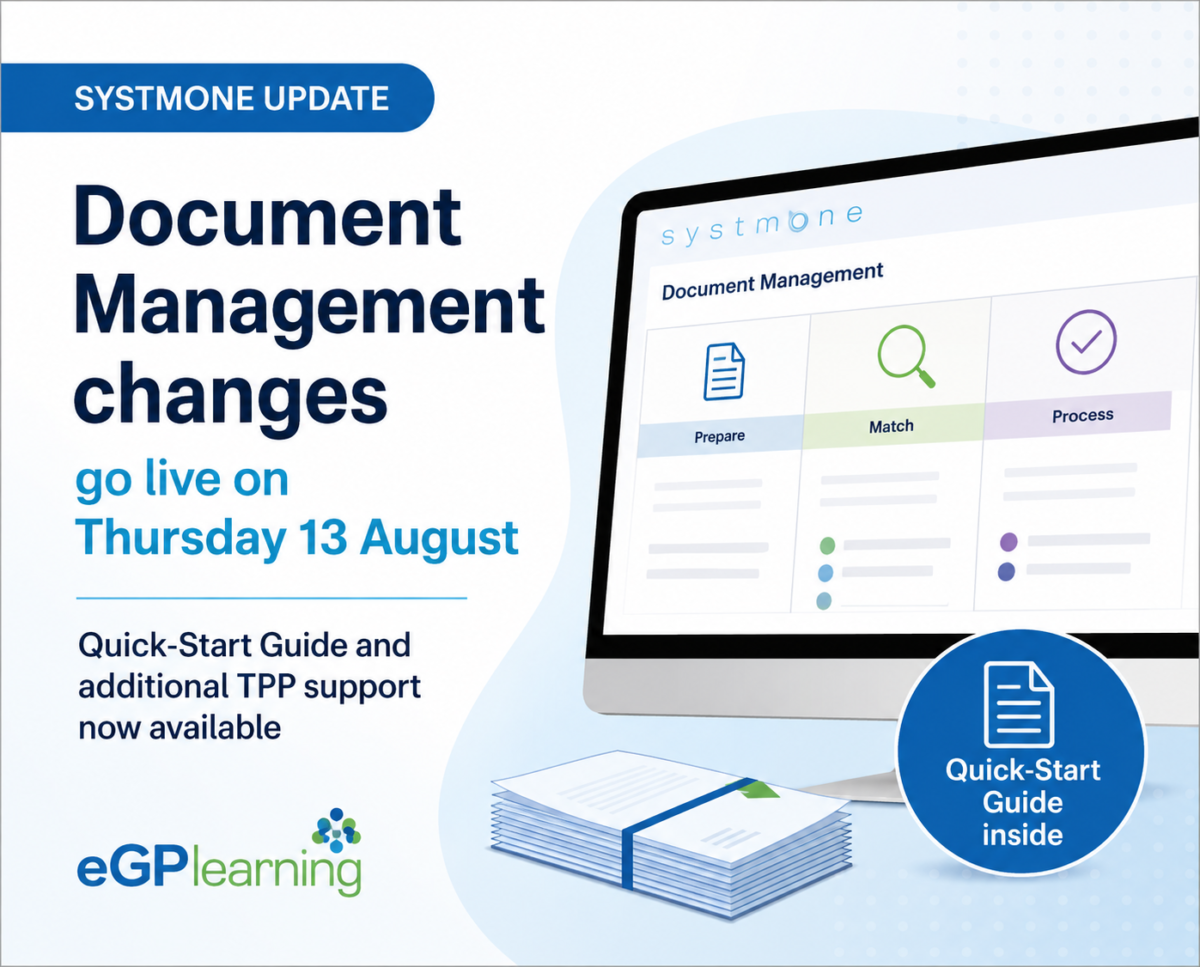
The new SystmOne Document Management screens go live on Thursday 13 August. TPP has provided a Quick-Start Guide to help users prepare for the change, alongside details of additional support available during the transition.
As ever, eGPlearning are ahead of the curve and wanted to share the following information on behalf of the TPP SystmOne team to help practices prepare for the move to the new Document Management functionality.

Get ready for the new Document Management screens
TPP has produced a Document Management Quick-Start Guide, designed to help users familiarise themselves with the new screens and workflows.
There’s no additional setup required to start using the new Document Management screen and documents already part-way through a workflow in the old screens will still be available. When first starting, TPP recommends setting the filters to ‘All’ on both the Prepare and Match screens.
👉 Read the Document Management Quick-Start Guide
The guide takes users through the transition in three stages; Day 1, Week 1 and Month 1 – starting with getting familiar with the new Prepare, Match and Process tabs before moving on to features including bulk OCR, bulk updates and scheduled imports. It also explains how Scanning Rules and Workflow Rules can be used to automate more of the document processing workflow.
Additional support during the transition
TPP has also opened a temporary additional support inbox for the next few weeks, allowing end users who have reviewed the available guidance to raise queries or provide feedback specifically about the transition to the new Document Management functionality.
This inbox is particularly intended for issues relating to the transition from the old screens to the new ones – for example, where functionality available in the old screens does not appear to have an equivalent in the new version, or where a familiar workflow has become significantly more difficult or cumbersome.
It is important to continue using the existing routes for other issues:
🔧 Technical issue or bug?
If something isn’t working or behaving as expected, report it through your usual Helpdesk/support process.
💡 New feature or enhancement?
Submit this through the Development Request screen.
Before contacting the additional support inbox
TPP asks users to review the available training materials and guidance before contacting the team.
If you still require additional support, your email should include your contact details, details of the training or guidance you have already reviewed and a clear description of the issue, including how the equivalent process worked in the previous Acquired Documents/Documents Inbox screens.
Emails should not contain any confidential or patient-identifiable information. TPP has also advised that it cannot guarantee an individual response or feedback to every email.
Get prepared before Thursday
If Document Management is part of your workflow, take five minutes to read the Quick-Start Guide before Thursday – it’ll help you hit the ground running when the new screens go live.